- Introduction
- Angular: Past and Present
- Angular Components
- How to use components in Angular?
- Benefits of using Angular
- How to Improve your Angular Projects?
- Conclusion
Table of Contents

Introduction to Angular: A complete guide!



Introduction
Angular is a popular open-source JavaScript framework for building web and mobile applications. Developed and maintained by Google, Angular has evolved significantly since its inception in 2010.
It is now used by millions of developers worldwide to build complex, high-performing applications.
If you are new to Angular, this guide will provide a comprehensive introduction to the framework.
We will cover key concepts such as components, data binding, and routing, as well as best practices and tips for working with Angular.
By the end of this guide, you will have a solid foundation in Angular development and be well-equipped to start building your applications.
So, whether you are a seasoned developer looking to learn more about Angular or a beginner just getting started with web development, this guide is for you. Let's dive in and learn more about Angular!
Angular: Past and Present
It has become one of the most popular frameworks for building complex, feature-rich applications.
Angular was first released in 2010 as AngularJS, quickly gaining traction among developers due to its powerful features and ease of use.
In 2016, AngularJS was replaced by Angular 2. A complete framework rewrite focused on performance and scalability. Since then, Angular has continued to evolve and improve, with the latest version being Angular 11, released in November 2021.
One of the key features of Angular is its component-based architecture, which allows developers to break down complex applications into smaller, reusable pieces called components.
It makes it easier to manage and maintain code and improve performance by only loading the necessary components for a given page or view.
Angular also offers a powerful templating system that allows developers to easily bind data to the DOM and create dynamic, interactive user interfaces. It also has strong support for reactive programming, allowing developers to build responsive and efficient applications that handle large amounts of data.
In addition to these features, it offers robust support for testing and debugging and tools and resources for building and deploying applications.
Overall, Angular is a powerful and versatile framework well-suited for building various applications, from simple websites to complex enterprise applications.
Angular Components
Angular components are small, reusable pieces of code that make up an Angular application. They are the building blocks of an Angular application. They are responsible for displaying and interacting with data and handling user events and actions.Components are created using Angular's component decorator, a special syntax that allows developers to define the component's metadata and behavior. The component decorator takes several options, including the component's selector, template, style, and any dependencies or input/output properties.
To create a new component in Angular, developers define a class with the @Component decorator and add the desired properties and methods.
How to use components in Angular?
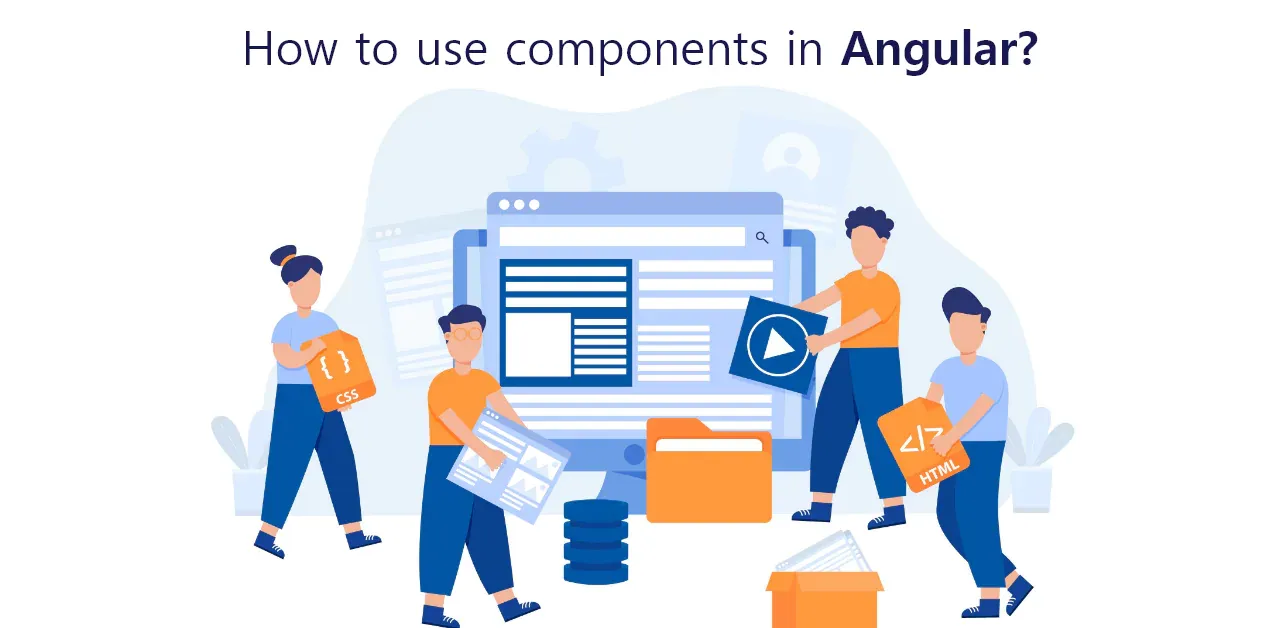
To use a component in an Angular application, developers include the component's selector in an HTML template. The component's template and style will be automatically injected into the DOM, and the component's class will be instantiated and initialized.
In addition to creating and using individual components, Angular also provides a way to organize and manage components with modules.
Modules are used to group related components, services, and other dependencies into a single unit, and they provide a way to specify the dependencies that a component needs to function. Modules can also be imported and exported to share functionality between different parts of an application.
Finally, Angular also provides a powerful routing system that allows developers to create multiple views and pages within a single application.
Benefits of using Angular
Increased productivity
One of the main benefits of using Angular is its ability to increase productivity for developers. It is mainly due to reusable components, allowing developers to reuse code across multiple application parts easily.
In addition, Angular has a strong community of developers who constantly create new resources and share best practices. It makes it easier for developers to learn and stay up-to-date with the latest developments in the framework.
Improved user experience
Angular is designed with the user experience in mind and offers several features that can improve the overall user experience of an application. One of these features is declarative templates, which allow developers to create templates that describe the desired state of the view rather than having to write imperative code to manipulate the view.
It helps developers to create interactive and responsive user interfaces. In addition, Angular's reactive programming model allows developers to efficiently handle large data sets, making it possible to create smooth and responsive user experiences.
Advanced features and capabilities
Angular offers several advanced features and capabilities to help developers create sophisticated and powerful applications. One of these features is dependency injection, which allows developers to easily manage the dependencies between different parts of the application.
Angular also supports server-side rendering, which can improve the performance of applications by pre-rendering the view on the server before it is sent to the client. In addition, Angular has built-in support for creating progressive web apps, which are web applications that can be installed on a user's device and offer a native-like experience.
Strong testing and debugging support
Angular has several tools and features that make it easy for developers to test and debug their applications. These tools include unit testing tools, which allow developers to test individual components or functions.
It also has end-to-end testing tools, which allow developers to test the entire application from the user's perspective. Angular also includes error handling and debugging tools that help developers identify and fix issues in their code.
Scalability and maintainability
Angular's modular architecture makes it easy to scale and maintain applications as they grow. The modular structure allows developers to break down the application into smaller, self-contained units that can be developed, tested, and maintained independently.
It helps teams to work on different parts of the application simultaneously and make it easier to update and upgrade the application over time.
Widely used and supported.
Angular is a widely used and well-supported framework with a large user base and a strong community of developers. It is also backed by Google, which provides resources and support for the framework. It makes it easier for developers to find help and resources when needed, and it also helps to ensure that the framework will continue to be developed and maintained in the future.
Comprehensive documentation and resources
Angular has comprehensive documentation and resources to help developers learn and use the framework effectively. The official documentation provides detailed information on all aspects of the framework.
A wide range of third-party tutorials and resources are also available to help developers quickly get up to speed with Angular.
It makes it easier for developers to learn and use the framework. It also ensures they can take advantage of all of the features and capabilities of Angular.
How to Improve your Angular Projects?
Here are a few tips for implementing, common pitfalls to avoid and a list of the best practices recommended by seasoned developers.
Tips for improving performance and scalability:
- Use the Angular CLI for building and optimizing your application
- Lazy load modules to improve initial load time
- Use the OnPush change detection strategy to optimize component updates
- Use the async pipe to manage async data streams
- Use the trackBy function to optimize lists with large data sets
Common pitfalls to avoid when working with Angular:
- Avoid mutating objects in the component
- Avoid using the async pipe in multiple locations in a template
- Don't mix the use of template-driven and reactive forms
- Be mindful of the change detection strategy when working with large data sets
Best practices for Angular code structure and organization:
- Use the Angular Style Guide as a reference for code style and organization
- Use a consistent naming convention for components, services, and other types
- Group related code into feature modules to improve maintainability
- Use the providers' array for DI instead of the @Inject decorator
- Use the @Input and @Output decorators for component communication instead of @ViewChild or @ViewChildren.
Conclusion
Angular is a powerful and popular framework for building web and mobile applications. With its component-based architecture, reactive programming, and robust support for testing and debugging, Angular offers a wide range of features and capabilities that make it an excellent choice for developers looking to build high-performing and scalable applications.
Its strong community support and comprehensive documentation make it an ideal choice for developers of all skill levels. Whether you are a seasoned developer or just starting, Angular is an excellent framework to consider for your next project.
Contact AppsRhino today to hire exemplary developers that can bring your app ideas to life.
Share blog
Table of Contents

- Introduction
- Angular: Past and Present
- Angular Components
- How to use components in Angular?
- Benefits of using Angular
- How to Improve your Angular Projects?
- Conclusion